Trash Day Beginner Guide: Your First Wagon Run
Start Trash Day with a practical first-run plan: learn the wagon, divide jobs, inspect hazards, protect cargo and recover without restarting too early.
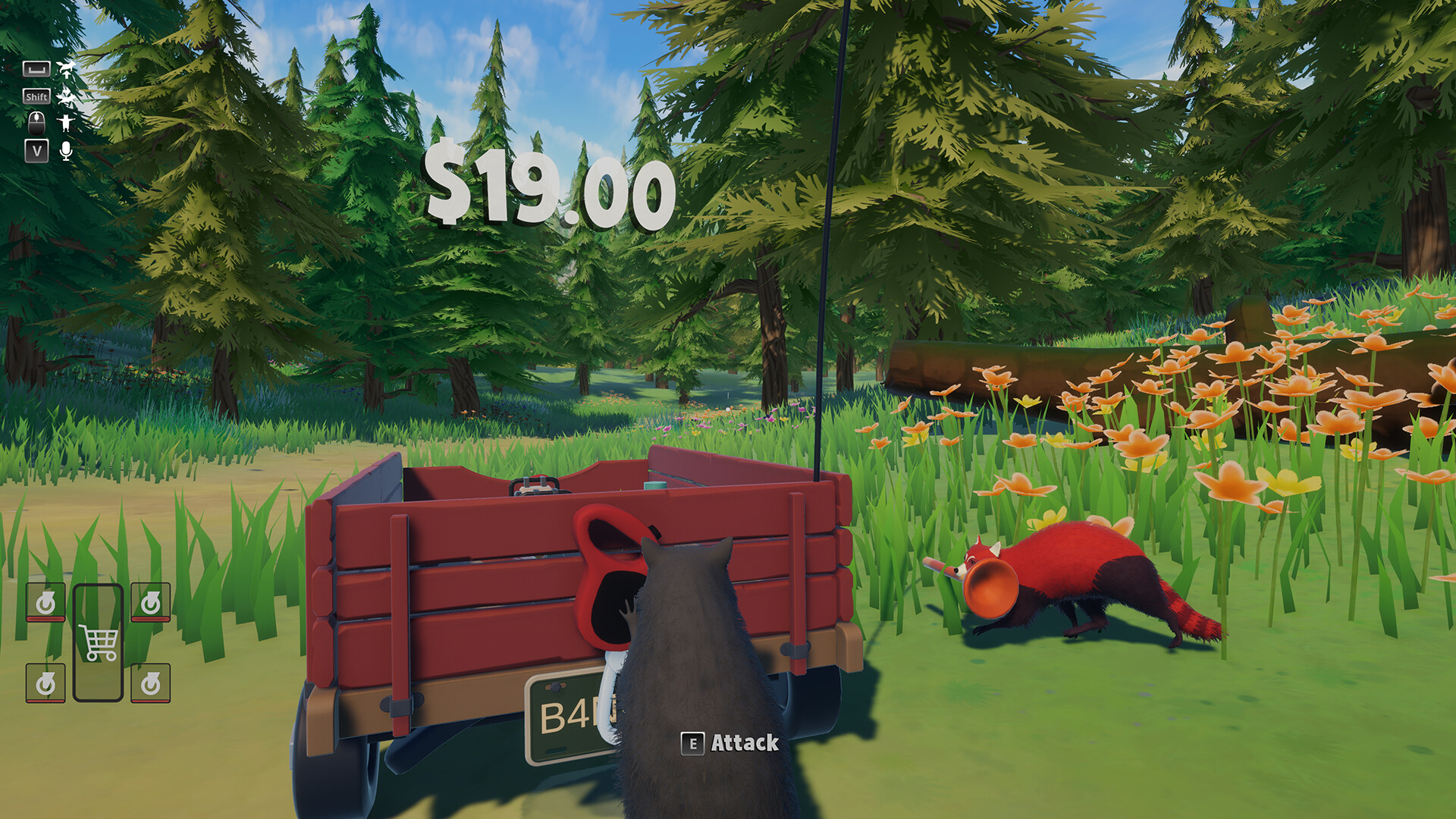
Start with a manageable wagon load, agree who is steering, inspect the route before moving, and stop when a wheel or obstacle needs attention. The game supports up to six players; solo play is possible, but hauling is harder alone.
View reference image
On this page
What you are trying to accomplish
Your first useful goal in Trash Day is to move a working wagon through the next obstacle with your team and cargo intact. A perfect collection run can wait. Off By One Games describes a physics-based trip from Animal Control toward Raccoon Paradise, with six areas in the full release. That gives you a direction, but it does not mean that every area should be approached at the same speed or with the same load.
This route is a planning guide based on the official store and dated developer updates. It is not a claim that we have completed every obstacle ourselves. When an on-screen prompt differs from an old video, follow the current game. The full version launched on October 13, 2026; a demo recording can show only part of the journey and an older interaction layout.
Start with a small, deliberate practice loop
Before anyone races ahead, find the movement and interaction bindings in the live settings. Practice picking up and putting down an ordinary object on safe ground. Then move the wagon a short distance, stop, and try a turn with your friends nearby. This separates a control problem from a difficult obstacle. If you cannot stop or change direction predictably in an open area, adding a busy road or narrow ledge will make the diagnosis harder.
Use this small exercise to agree on a shared vocabulary. “Stop” should mean release movement and wait for the next instruction. “Clear” should mean that the person looking ahead sees room for the wagon, not merely room for one raccoon. “Wheel” should cause the group to pause for inspection. These are suggested team conventions; the game does not assign these jobs for you.
Decide who is moving the wagon
The official description supports pushing, steering and clearing the route together, with up to six players. More players create opportunities to help, but simultaneous inputs can also make it unclear which action changed the wagon’s direction. Choose one person to call the next move. A second person can assist while a third looks ahead. In a larger group, extra players can collect nearby items or watch the rear instead of all pulling in different directions.
Solo players can use the same sequence by doing one job at a time: inspect, position, move, stop, then collect. The developer explicitly allows solo play while warning that the wagon is a lot for one raccoon. Treat that as a reason to shorten each hauling attempt, not as proof that a particular obstacle is impossible alone.
Collect around your current route
The store describes searching trash cans and dumpsters for valuables and useful items. At the start, choose an area you can inspect and return from without losing track of the wagon. Bring back a few objects before expanding your search. A long detour is harder to justify when the group has not yet learned how the nearby exit works.
The developer’s inventory design post explains why cargo is physical rather than a tidy grid. Our practical recommendation is to add an item, look at how it sits, and then move a short distance before adding more. Do not assume that something is secure simply because it touched the wagon once. If a tall or awkward object repeatedly interferes with visibility or handling, rearrange it on safe ground instead of compensating during a dangerous crossing.
Inspect each obstacle before committing
Stop where the group can see the next section. Check the width of the route, the turn after the obstacle, the likely stopping area, and anything moving through the crossing. Traffic, traps, rockslides and a river are all part of the official description, but this page does not prescribe an unverified timing window or universal solution for them.
Ask three concrete questions before moving: where will the front wheels go, where will the back wheels follow, and where can everyone stand safely if the attempt fails? A path that a raccoon can jump across is not automatically a sensible wagon route. If the answer is unclear, let one player inspect the next landing while the rest hold position. Avoid gathering the whole group at the edge simply because one person has spotted a shortcut.
Use tools to solve a visible problem
Bungee cords and planks are confirmed tools in the official store description. Their presence is an invitation to experiment with the local situation, not a guarantee that any attachment will work anywhere. First describe the problem in plain language: a gap, an awkward approach, an unstable landing, or a wagon facing the wrong way. Then choose the available tool that plausibly addresses that problem.
Make one change per attempt. If you move a plank, change the approach and have four players pull at once, you will learn very little from the result. A controlled retry leaves you with an answer: the support moved, the wheels missed the edge, or the group started too early. That information is useful even when the wagon does not advance.
Know when to stop and repair
A lost wheel or a tipped wagon is not automatically the end of a run. The official description says wheels can be put back and a flipped wagon can be righted. Stop movement first, identify the relevant prompt, and assign one person to the repair while the others make room. For the more detailed sequence, open the wagon hauling and recovery guide.
Historical demo patches discuss wheel tightening with an impact wrench and improved flip prompts. Those notes help explain what to look for, but they should not be treated as a universal current button map. Read the live descriptor. If it says the wheel still needs tightening, attaching it is only part of the repair. Move a short distance and inspect again before returning to full speed.
Separate physics trouble from connection trouble
The release hotfix 2026.0.1.14910 addresses a different problem: a stalled host connection can leave a session where objects stop appearing or responding correctly. The developer says a timeout message now replaces that half-broken state and recommends rejoining to resynchronize. When several interactions suddenly fail at once, check whether the problem is shared across players before rebuilding your entire hauling plan.
A blocked wheel can be inspected locally. A session that no longer agrees about objects needs a connection check. Save useful details for feedback: the version, whether you were host or guest, the last working area, and what stopped responding. The current release patch identifies F8 as the feedback button, including from the main menu. Avoid relying on an older demo post that named a different key.
Finish a session with a useful handoff
Before ending, agree which campaign the group intends to continue and note the current area and last successful objective. Do not infer save behavior from another cooperative game. Read the actual Load Game and Join Game displays; the release patch says the join screen now shows campaign progress. That information helps you recognize the intended session next time.
A successful first run leaves the group with a repeatable routine, even if you have not collected everything. You know who calls movement, how to stop at hazards, what a wheel warning looks like, and how to distinguish a local mistake from desynchronization. Use the co-op coordination guide for a larger squad, or return to the Trash Day guide hub to choose your next task.
Step-by-step guide
- Practice before loading
Move and stop the wagon on open ground, and learn the current interaction prompts before adding an awkward load.
- Call one movement plan
Agree who is steering and watching the route, then pause before each unfamiliar obstacle.
- Diagnose before restarting
Check wheels, wagon orientation and session responsiveness before deciding the run cannot be recovered.
Quick reference
First-run decisions
| Situation | Next action | Reason |
|---|---|---|
| Unfamiliar controls | Practice on safe ground | Remove input uncertainty |
| Narrow route | Stop and inspect | A raccoon path may not fit the wagon |
| Wheel or tip-over | Read the live repair prompt | The run may be recoverable |
| Many interactions fail | Check connection | Desync can resemble physics trouble |
Video evidence
Watch creator walkthroughs alongside this guide. Check the recording date before following requirements that may have changed.
Today is Trash Day! | Launch Trailer | Out Now on Steam
Shows the released game and physical wagon adventure; promotional footage, not a complete route or control tutorial.
Sources
Recheck these links whenever the game version, release status, or strategy changes.
- Trash Day official Steam page Official full-game scope and wagon mechanics; checked 15 October 2026.
- Trash Day release announcement 13 October 2026: full release, six areas and cooperative focus.
- Off By One Games: Why we deleted the inventory system 16 April 2026 design explanation of physical wagon cargo.
- Official hotfix 2026.0.1.14910 14 October 2026 UTC: stalled connections, lobby warnings and Join Game progress display.
- Official demo patch 2026.0.1.12712 23 June 2026: wheel tightening and flip prompts. Historical demo details; the current release prompt takes priority.